Fire Safety Compliance Management with Automated Documentation
Facility managers carry a lot of pressure, and fire safety paperwork can feel like carrying a sofa up three flights of stairs. That is why this article focuses on Fire safety compliance management early in the process, not as an afterthought at audit time. By automating documentation workflows, teams cut delays, reduce human error, and keep evidence ready when inspectors arrive. Along the way, kord fire protection technicians explain practical steps in plain terms, because nobody enjoys a spreadsheet that reads like a thriller where the killer is missing a signature.

Why automated fire documentation saves time and reduces risk
When a facility manager updates fire safety records by hand, small mistakes grow into big issues. Forms land in inboxes. Versions drift. Notes get lost in attachments. Then, the audit happens, and suddenly everyone is “working from the latest version,” which is the corporate way of saying nobody knows which one it is.
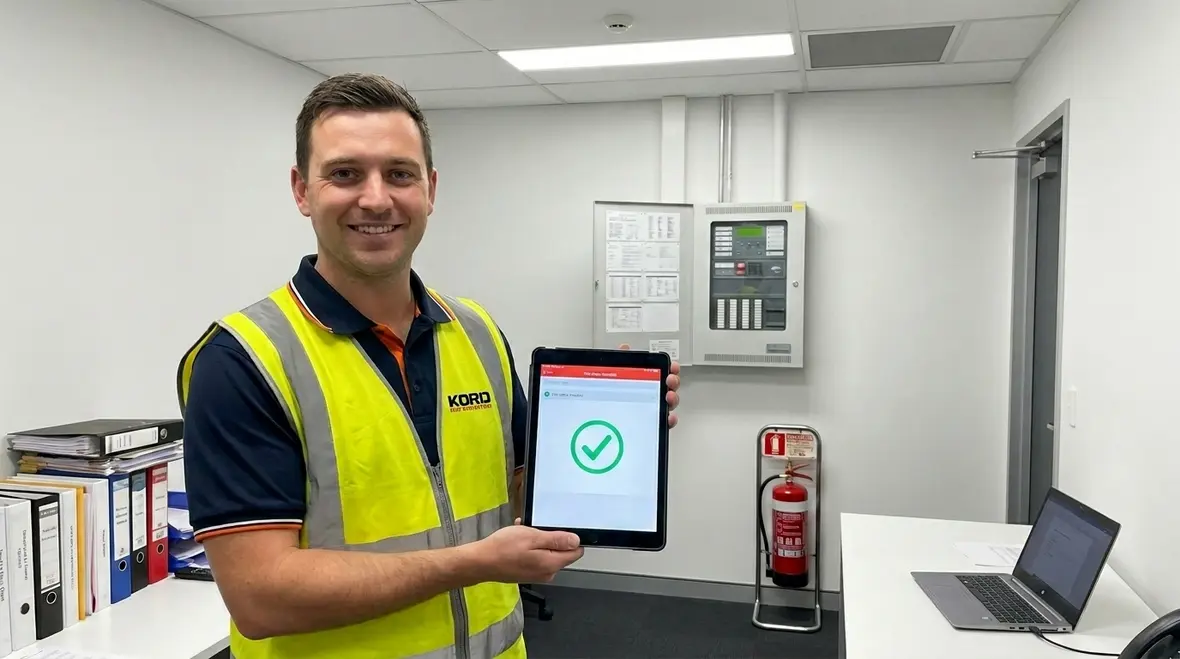
Automating documentation helps teams keep a single source of truth. It also supports Fire safety compliance management by linking inspections, testing, training, and corrective actions into one trail. Instead of hunting for proof, the manager can pull it on demand. And because the process runs on a schedule, it supports ongoing readiness, not reactive scrambling.
In practice, kord fire protection technicians often stress that automation should not remove accountability. It should strengthen it. Therefore, each document gets clear ownership, timestamps, and a logic trail that shows what happened, when it happened, and who verified it. That kind of visibility helps teams prepare for inspections without the usual last-minute scavenger hunt through email chains, desktop folders, and mystery PDFs named final-final-REALfinal.
The practical payoff for busy facilities
The biggest win is not just speed. It is confidence. When records are organized automatically, managers can see what is complete, what is pending, and what needs attention before a deficiency turns into a bigger compliance problem. That makes day-to-day operations calmer and audit days much less theatrical.
Map the documentation workflow before buying any software
Before changing tools, the facility team needs to map the workflow end to end. That means listing every document that gets requested during inspections and internal reviews. Then, it means identifying where data comes from, who updates it, and how it gets stored. After that, the team can automate the repeatable steps without breaking the parts that truly matter.
kord fire protection technicians typically recommend starting with the events that happen most often. For example, inspections, alarm checks, extinguisher service, sprinkler system testing, emergency lighting verification, and staff training records. Next, the manager should capture the inputs needed for each event, like service reports, photos, and certificates.
Then comes the part that saves the most time later: defining what “complete” means for each record. If a report lacks a technician name or an equipment ID, it should not enter the master file. Instead, the workflow should route it back for correction. This is where Fire safety compliance management becomes more than filing. It becomes a controlled system.
This planning stage is also the best time to decide who reviews what, how exceptions are handled, and which documents should trigger reminders automatically. Buying software before answering those questions is a little like buying shelves before measuring the wall. It feels productive right up until the installation gets weird.
What to capture in the workflow map
- Required inspection and testing records by system type
- Who creates, reviews, approves, and stores each record
- What supporting files are needed, such as photos, reports, and certificates
- What fields are mandatory before a record is accepted
- What events trigger reminders, escalations, or corrective actions
Use smart templates so every record matches audit needs
Automation works best when it uses consistent templates. In many facilities, the problem is not that teams lack documentation. It is that documents do not look the same. One team uses one format. Another uses a different naming system. Later, the inspector sees a mismatch and asks for clarification, which is basically an invitation to stress.
Smart templates address this directly. They guide technicians and facility staff to enter required fields in a standard format. They also enforce naming rules, date standards, and reference codes for each asset. As a result, evidence stays comparable across months and locations.
kord fire protection technicians often explain that templates should match real-world site details. Therefore, fields like device location, system type, service interval, and work order reference must align to the facility layout. If the template ignores reality, the team will keep fixing it manually, and automation quietly loses its power.
Finally, automated templates can include built-in checks. For example, if a record claims quarterly testing, the system can verify that the previous record fits the expected cycle. If not, the workflow triggers a review step. That turns quality control into part of the process instead of a panicked cleanup project the week before an audit.
Where interlinked records help most
Templates become even more useful when they connect related records. A fire alarm inspection record can link to the service history, device notes, and follow-up work. Facilities that rely on monitored systems often benefit from connecting these records to their broader fire alarm services process, so the paperwork trail and field work stay aligned from start to finish.
Automate alerts, schedules, and corrective action follow up
Fire safety does not wait for anyone’s calendar. So the documentation workflow must run on time. Automated alerts help managers catch upcoming inspections and overdue items before they become a problem. In addition, follow-up tasks for corrective actions should not sit in someone’s inbox like an unanswered fortune cookie.
With Fire safety compliance management automation, the system can generate tasks based on inspection outcomes. If a technician notes a defect, the workflow assigns the corrective action to the right role, sets a due date, and requests supporting evidence after completion. Then it records verification, so the file shows closure, not just intent.
This approach also reduces gaps when staff changes happen. A facility manager might rotate out, but the history and responsibilities remain visible. And when a new person takes over, they do not start from scratch. They inherit a clear audit-ready picture.
As kord fire protection technicians put it, documentation should “close the loop.” Automation makes that loop reliable. It also gives leaders a better way to prioritize repairs, budget service work, and verify that open issues are not quietly aging into expensive surprises.
How technicians can keep control while systems run in the background
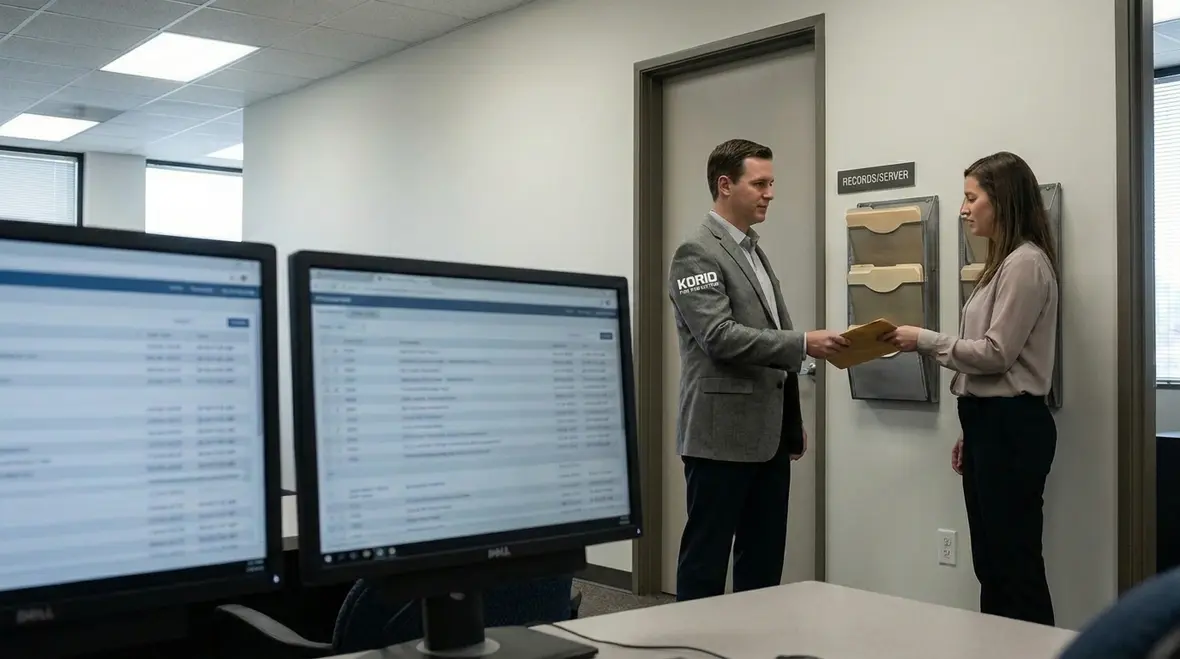
Some facility teams worry that automation removes technician input. That fear is fair, because nobody wants a tool that turns skilled work into box checking. However, the best systems keep technicians in charge of the technical facts, while automation handles routing, version control, and reminders.
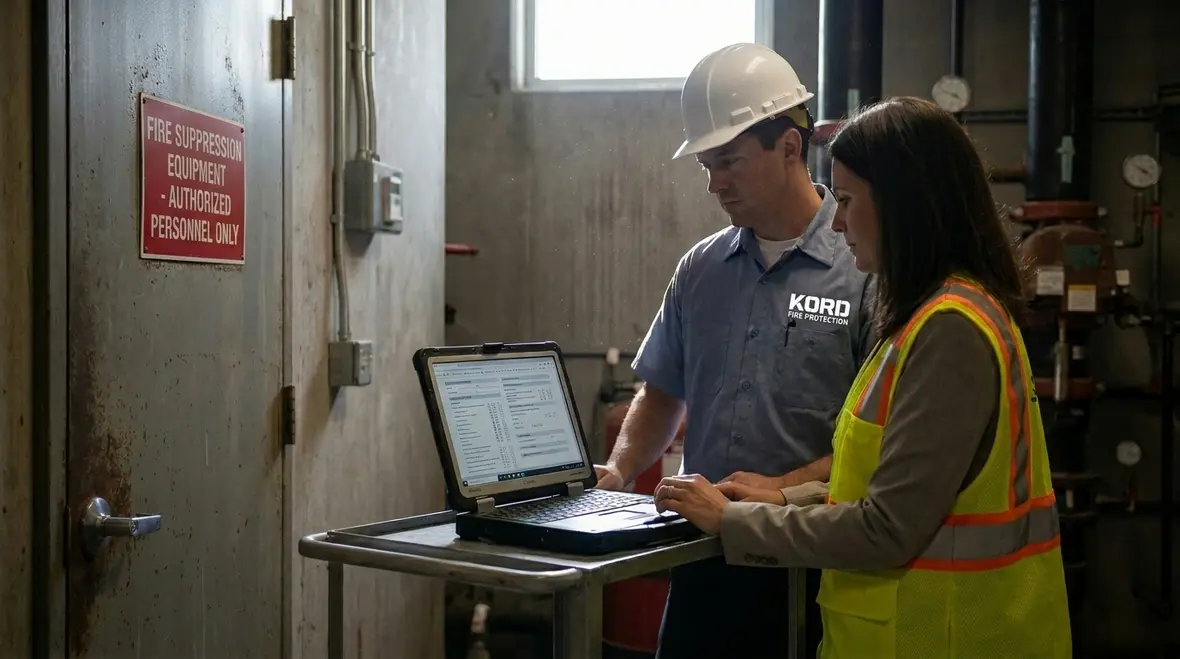
For example, the workflow can allow technicians to upload service notes and photos immediately from the job. Then, the system validates that required fields appear, and it sends the completed package to the appropriate reviewer. Next, it logs who approved it and when. In other words, technicians provide the substance, and the platform manages the structure.
kord fire protection technicians often highlight that the human side still matters. Therefore, the system should include space for clear explanations and professional context. Automation should not erase judgment. Instead, it should preserve it as part of the record trail.
To keep the process smooth, the team can use a simple approval chain. For smaller sites, one reviewer might be enough. For larger sites, approvals might route to compliance staff, then to leadership when needed. The goal is not to create bureaucracy with a shinier dashboard. The goal is to make the right information visible to the right people at the right time.
A good system supports field work instead of slowing it down
When the workflow is designed well, technicians spend less time retyping the same details and more time focusing on the equipment itself. That is particularly helpful when documentation connects cleanly with installation, maintenance, and inspection workflows such as commercial and residential fire alarm installation, where accurate records matter long after the initial work is complete.
Dual column visibility: what facility managers see versus what auditors need
Automated systems shine when they give two views without duplicating work. The facility manager needs operational clarity. The auditor needs traceable proof. A good workflow serves both, without making the manager rebuild the same story twice.
Facility manager view
- Upcoming inspections and due dates
- Asset status by location and system
- Open corrective actions and owners
- Training completion progress
- Quick links to the latest documents
Auditor view
- Time stamped evidence and approvals
- Consistent document naming and references
- Service intervals and compliance history
- Defect notes and closure verification
- Proof that procedures match policy
When both views come from the same source, Fire safety compliance management stays accurate and fast to retrieve. And yes, it also helps avoid that fun game called “Where is the PDF from last quarter.” It gives operations teams live visibility while preserving the kind of traceable evidence auditors actually want to see.
FAQ
Conclusion and call to action
Automating fire safety documentation helps facility managers stay calm when inspections arrive, because evidence is complete, current, and easy to retrieve. It also supports reliable Fire safety compliance management by standardizing templates, scheduling tasks, and closing corrective actions with proof. kord fire protection technicians can guide best practices so the workflow matches real site needs.
If a documentation system feels like a part time job you never asked for, it is time to upgrade. Reach out today to map your workflow and design an automation plan that fits your facility. For teams that want stronger system support and dependable documentation around service activity, explore commercial and residential fire alarm installation or review broader fire alarm services to strengthen your next step.
Join Our Newsletter!
Get the latest fire safety tips delivered straight to your inbox From our Newsletter.