Commercial Fire Alarm Integration With Building Management Systems
Quick Answer: Smart fire alarms connect to building management systems to share real time alerts, control doors and fans, and support reporting and maintenance. Through standard protocols and clear integration design, a site can reduce response time, streamline testing, and improve compliance. Kord Fire Protection can become the vital partner that delivers reliable hardware, programming, and service across Australia.
In industrial, retail, and commercial facilities across Australia, minutes can feel like hours when smoke or heat appears. That is where a commercial fire alarm integration approach earns its keep. It is not just about beeping panels and blinking lights like a techno concert. Instead, smart fire alarms integrate with the systems that already run the building, including alarms, monitoring, access control, HVAC, and reporting tools.
And yes, the goal is simple: detect fire quickly, communicate clearly, and take pre planned action without forcing staff to guess. This article explains how the integration works, what building teams should watch for, and why Kord Fire Protection can act as a vital partner from design through ongoing service. For facilities reviewing broader life safety support, Kord Fire Protection’s full fire protection services fit naturally into the conversation when one project starts touching alarms, interfaces, maintenance, and compliance all at once.
How building management systems and smart alarms work together
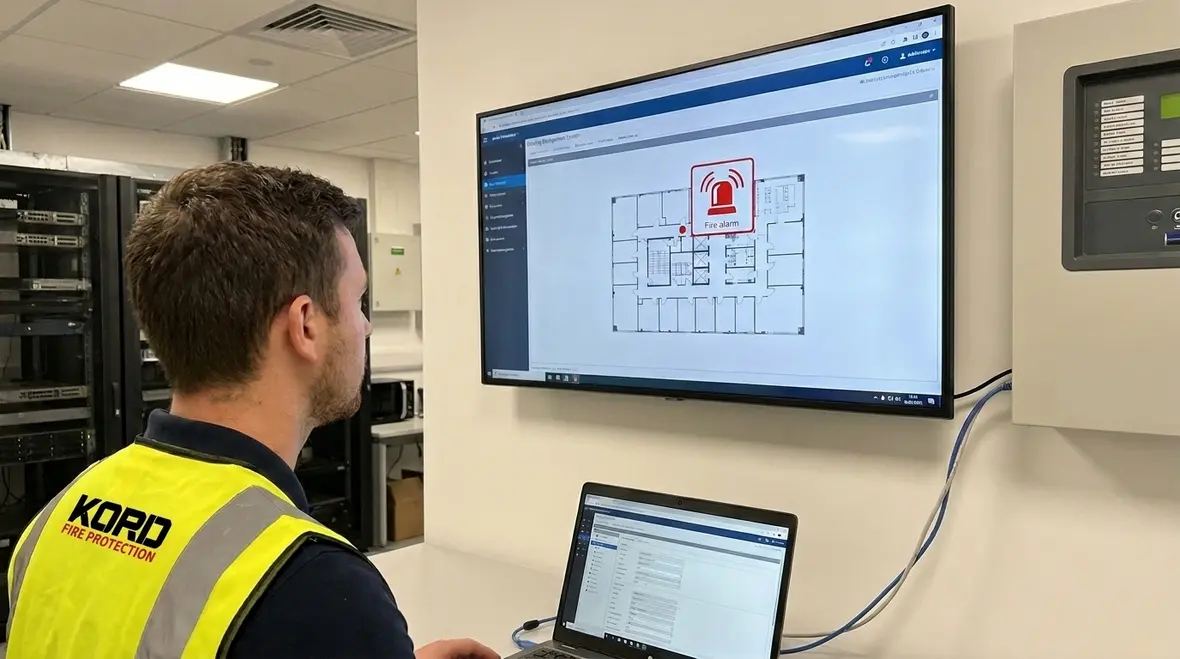
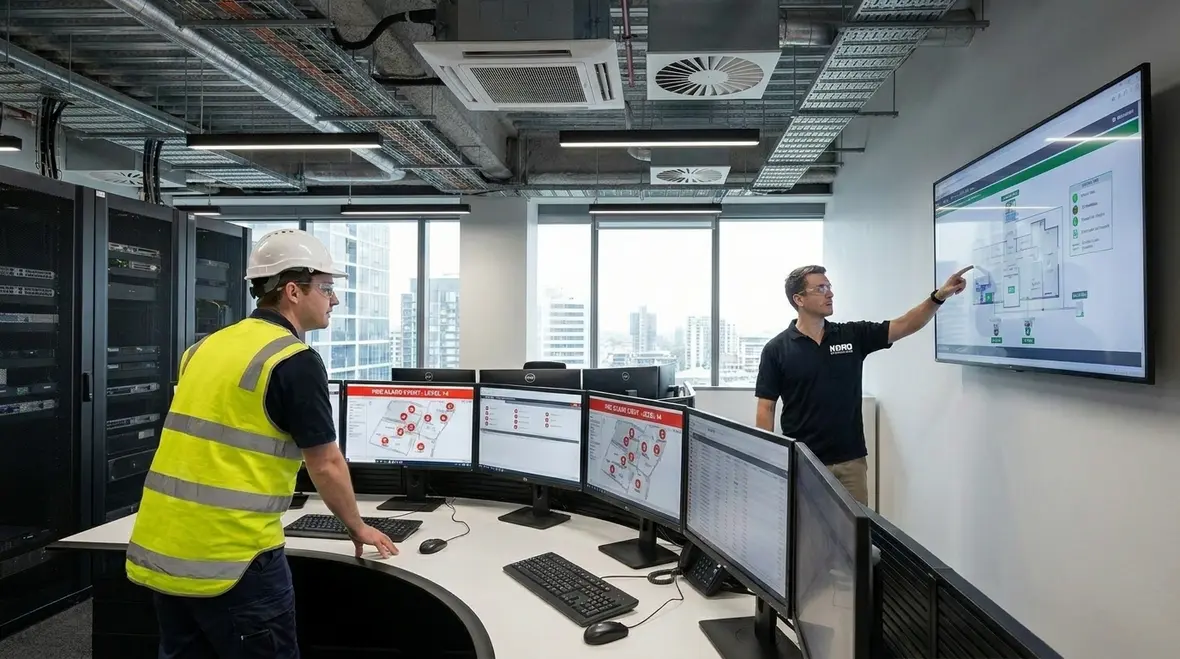
Building management systems track and manage many building functions in one place. When smart fire alarms integrate, they stop living in a separate world. Instead, they send structured event signals that the building system can interpret and display. As a result, operators view fire status alongside other operational data, such as equipment states, zones, and system health.
Typically, integration supports three main outcomes. First, it improves alert clarity by linking alarms to floor, zone, and device type. Second, it supports coordinated response, like fan shutdown or smoke control actions. Third, it strengthens record keeping, which helps teams track tests, maintenance, and historical events.
Now, nobody wants a system that behaves like a drama queen. However, when configured correctly, the integrated workflow remains calm and consistent. The building system does not just receive a “danger” message; it learns how to react with discipline. This is also where Kord Fire Protection’s smart fire monitoring and data driven safety systems article adds useful context, especially for teams thinking beyond a single panel and toward long term visibility.
Why this coordination matters in day to day operations
When alarms, building controls, and operators all see the same event data, confusion drops fast. Staff do not need to sprint between disconnected screens, guess which zone is affected, or call three people just to confirm whether the panel says alarm or fault. That operational clarity is not flashy, but it saves time when time starts running away from everyone.
Key data points that flow during a commercial fire alarm integration project
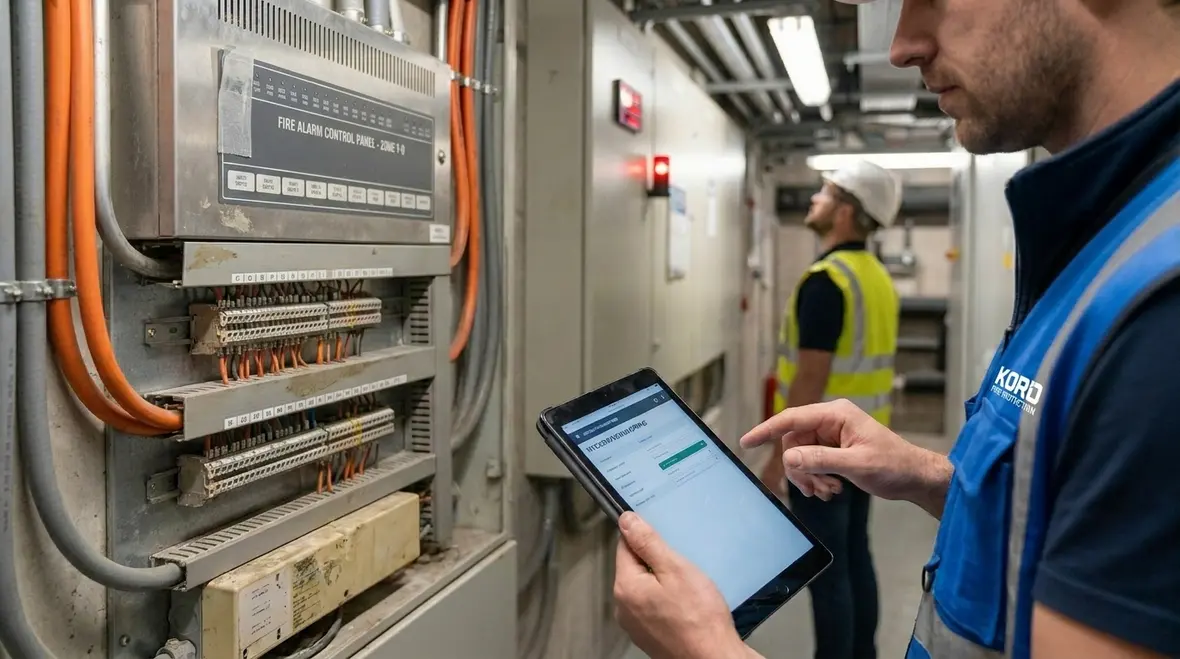
Good integration moves more than a single contact closure. During a commercial fire alarm integration install, the building management layer should receive detailed, reliable information. That includes alarm state, fault state, and supervisory signals, but also the context behind them.
Common data points include:
- Event type such as alarm, pre alarm, fault, or system reset
- Location mapping including building, floor, and zone
- Device identification like panel address, detector type, and circuit
- Timestamp and acknowledgement status so operators can follow procedure
- Cause codes where panels support them, to reduce investigation time
- Maintenance status such as disablement or test mode indicators
To keep teams productive, the integration should also support clear alarms on workstations and mobile views where available. Furthermore, it should support audit trails so that incident reviews remain accurate. In practice, this helps facilities teams avoid the dreaded “he said, she said” conversation that always shows up after a real emergency.
Standardization is the secret weapon nobody brags about
Consistent zone labels, device names, and site maps do a lot of heavy lifting here. If the panel says one thing, the building dashboard says another, and the printed plan says something else entirely, the integration may still be technically alive while operationally useless. Good naming standards keep the whole system from turning into a very expensive guessing game.
Protocols, network design, and why reliability matters
Smart alarms can integrate through common building and monitoring protocols. However, reliability does not come from hope. It comes from design choices.
First, the project should define how signals travel, whether through dedicated interfaces, building networks, or monitored gateways. Then, teams should separate safety relevant communications from general traffic where possible, so a busy corporate network does not become the weak link.
Next, the design should plan for network health. Fire alarm status must remain trustworthy even when other systems experience interruptions. As a result, the architecture should handle fail safe behavior and ensure that loss of communication triggers correct local alarm responses.
Finally, the team should verify timing and data consistency. If the building management system receives delayed data, operators may misread the situation. Therefore, commissioning should include scenario testing, not just a quick “it connects” check.
Because in the real world, you can have a building full of smart devices and still end up with a slow response. That is why integration projects need disciplined engineering, not just flashy dashboards.
Operational benefits for industrial, retail, and commercial sites
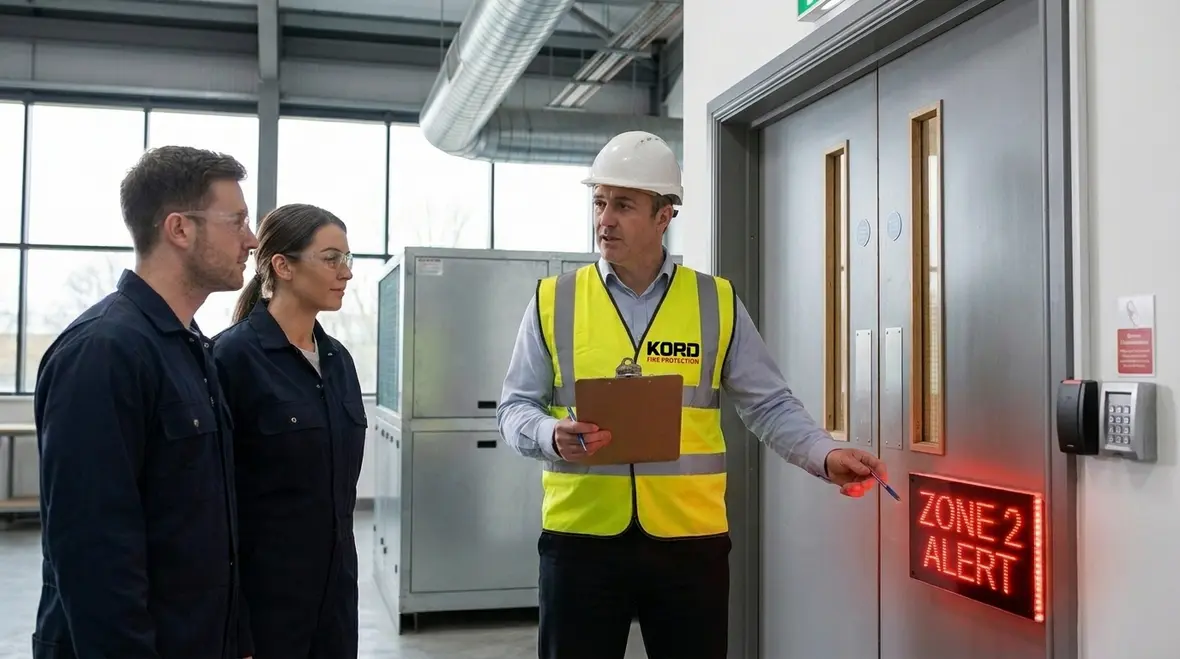
Once integrated properly, sites gain value across operations, not only during emergencies. For industrial environments, the system can help manage complex risk zones like production bays, storage areas, and plant rooms. For retail assets, it can support faster evacuation decision making and clearer messaging for staff.
For commercial facilities, the integration supports smoother coordination with other building functions. Instead of relying on manual triggers, the system can align actions such as:
- Smoke control coordination with HVAC and damper logic where configured
- Access control actions such as unlocking egress routes when alarms activate
- Fire door and damper status monitoring so maintenance teams spot issues early
- Targeted annunciation that guides staff to the correct zone
- Central reporting that reduces time spent compiling logs for audits
And yes, it also makes life easier for facilities managers who already have enough tasks, like managing downtime and suppliers. Integration reduces repeat work because the system records what happened, where it happened, and which steps were acknowledged.
What better visibility actually changes for staff
Better visibility shortens the time between detection and decision. Security teams can verify the zone faster. Facilities managers can see whether the event includes a fault, disablement, or active alarm. Maintenance teams can review trends before a small issue grows teeth. In plain English, everyone spends less time squinting at mystery alerts and more time doing the right thing.
Commissioning, testing, and ongoing service that keeps integration healthy
Integration does not end when the electrician leaves. It must remain correct through commissioning, maintenance, and change management. During commissioning, teams should confirm that alarms and faults map to the correct building locations. They should also test fail safe behavior and verify that the building management system responds as intended.
To keep performance steady, facilities teams should plan for periodic testing that includes integration verification, not just panel health. That means confirming that event details still display correctly and that acknowledgement workflows function as designed.
When renovations happen, the risk increases. New tenants, new plant equipment, and altered layouts can change zoning and device distribution. Therefore, a proper integration plan should include a process for updating mappings, labels, and any linked logic in the building management system.
Here, Kord Fire Protection can become a vital partner by supporting the full lifecycle. They can help teams avoid “works today, fails tomorrow” surprises by pairing correct programming with structured service and clear documentation across facilities in Australia.
Do not skip the boring paperwork
Documentation is rarely anyone’s favorite part of the project, but it is what keeps the system understandable six months later when upgrades, tenant changes, or maintenance questions show up. Accurate cause and effect notes, mapping tables, and test records save a lot of future pain. They also make the handoff feel like a professional system instead of a magic trick that only one technician understands.
Why Kord Fire Protection becomes the vital partner for integration
Smart integration projects involve more than connecting wires. They require experience in fire detection, system programming, interface design, and safe testing. Kord Fire Protection supports that whole picture, especially for sites where compliance, uptime, and clear reporting matter.
In practice, Kord Fire Protection helps facilities teams by bringing:
- Integration focused commissioning so event data and actions match real site plans
- Practical documentation that operators can follow during pressure moments
- Service continuity that supports industrial and retail schedules without chaos
- Configuration support when building changes happen, like upgrades or layout revisions
- Clear communication for stakeholders who want certainty, not mystery
Think of it like a well rehearsed band. The song still works when the venue is loud, the crowd is restless, and someone asks for one more encore. Kord Fire Protection helps keep the integration performance tight, calm, and dependable.
FAQ: Smart fire alarms and building management systems
Call Kord Fire Protection to plan a dependable integration
A smart fire alarm system should behave with clarity and confidence, not like a confusing app with a mind of its own. Facilities across Australia can gain faster alerts, cleaner reporting, and coordinated actions when they plan integration correctly. Kord Fire Protection can support the lifecycle from commissioning to service, helping industrial, retail, and commercial sites stay ready.
Reach out to plan your integration today. With the right hardware, disciplined testing, and ongoing service, the building management system becomes more than a dashboard. It becomes a dependable partner in life safety, compliance, and day to day operational confidence.
Join Our Newsletter!
Get the latest fire safety tips delivered straight to your inbox From our Newsletter.